
News Management User Guide
The News Management division of the Communications category assists administrators in creating, censoring, publishing, and managing new internal news articles that apply across the system or across branches.
15.1. View Modes and Summary Statistics
View Mode
Users can flexibly switch between the two display modes in the upper right corner:
- Management mode: Allows the administrator to edit, publish and manage the article.
- View as User Mode: The interface displays a list of prominent articles and news in the form of an electronic student/military newsletter.
Summary Metric Cards (Management Mode)
- Overview: Total number of news generated on the system (e.g. 12).
- Published: Number of public articles (e.g. 5).
- Waiting for approval: The number of articles in the process of being censored (e.g. 2).
15.2. Managing the Article List
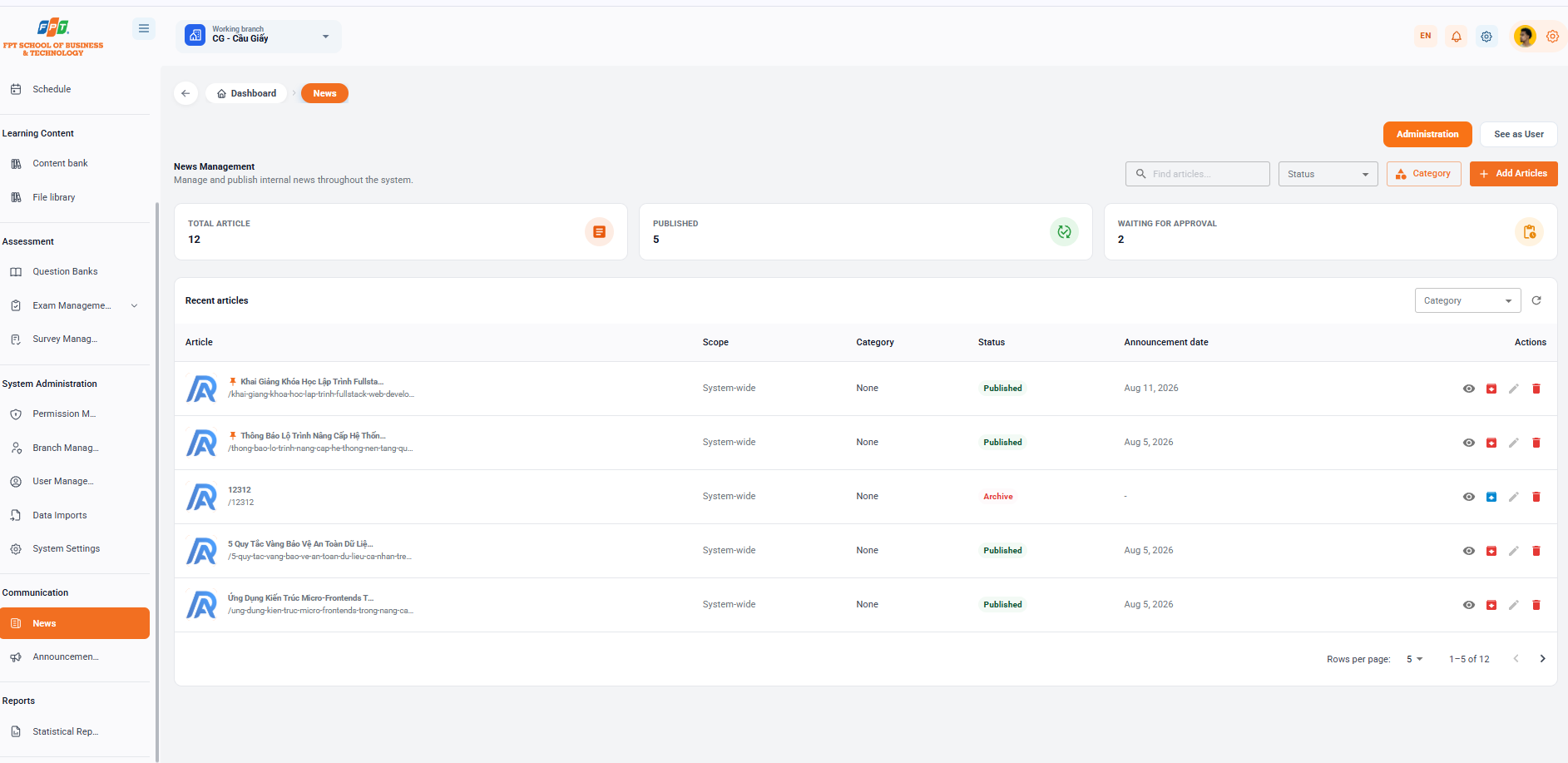
Filter & Search
- Search for articles: Enter the title/content keyword in the Search for articles box....
- Status: Classified by publication progression (Published, Stored, Waiting for approval...).
- [Support]: Manage and classify news types.
- [+ Additional Posts]: Start a new news article.
News List
| The article | The scope | The wreckage | The State | Date of release | The work |
|---|---|---|---|---|---|
| 📌 The completion of the Fullsta... (slug: /khai-giang-khoa-hoc-lap-trinh-fullstack-web-develo...) | The whole system. | No, I did not. | Published | 11 thg 8, 2026 | See / Finger / Fixed / Removed |
| 📌 System upgrades are being made... (slug: /thong-bao-lo-trinh-nang-cap-he-thong-nen-tang-qu...) | The whole system. | No, I did not. | Published | 5 thg 8, 2026 | See / Finger / Fixed / Removed |
| 12312 (slug: /12312) | The whole system. | No, I did not. | Storage | — | See / Finger / Fixed / Removed |
| The five golden rules of data security... (slug: /5-quy-tac-vang-bao-ve-an-toan-du-lieu-ca-nhan-tre...) | The whole system. | No, I did not. | Published | 5 thg 8, 2026 | See / Finger / Fixed / Removed |
| The micro-frontends are... (slug: /ung-dung-kien-truc-micro-frontends-trong-nang-ca...) | The whole system. | No, I did not. | Published | 5 thg 8, 2026 | See / Finger / Fixed / Removed |
15.3. Viewing Article Details
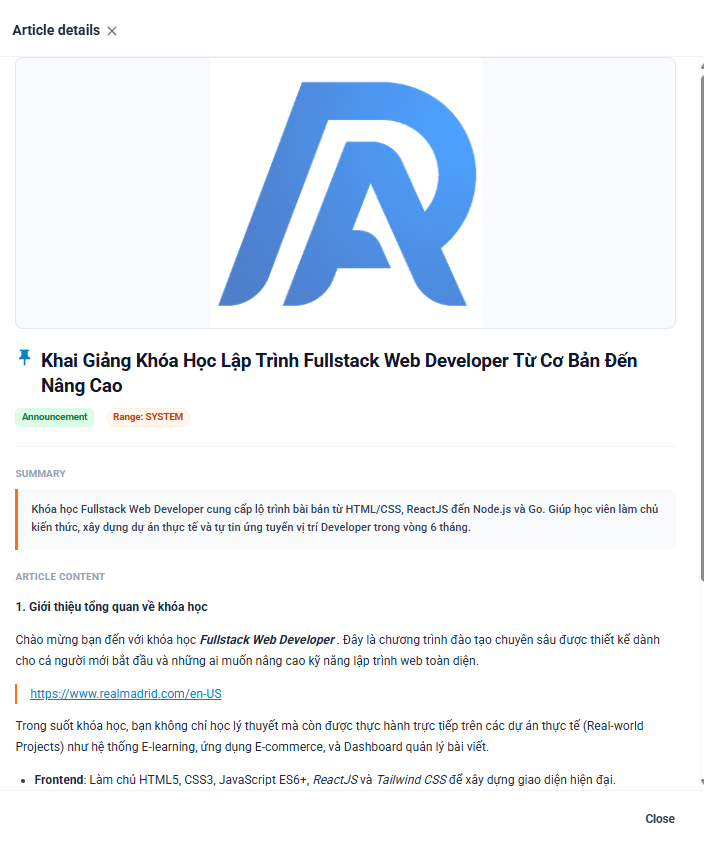
When selecting the Eye icon (see), the system opens a window detailing the text:
- Banner: The main illustration of the article.
- Title & Status: Title of article with the icon of the Subject (if any), label of the Publication and Range: SYSTEM.
- Summary: The framed text block summarizes the core content of the article.
- Content: Displays text format content details (supporting title, links, list of headings). The following is a document section of the Guide to Use of Notification Management (Communications field) compiled following the standard distributed title format for Google Docs: